The 5 Best Jolt Competitors & Alternatives [2025]
Running a restaurant comes with many challenges, and managing your staff effectively is crucial to ensuring smooth operations and happy customers.While platforms like Jolt offer a range of powerful tools for time tracking, scheduling, and food safety management, they might not be the perfect fit for every business.Small restaurants, cafes, or bars may find Jolt’s complexity overwhelming, and its limited support for HR and administrative tasks can be a drawback.If you’re seeking a more tailored solution, we’ve curated the top 5 Jolt competitors for 2025. Below, we explore each option’s standout features, pros, cons, and pricing to help you find the perfect restaurant management software for your business.
What is Jolt, and Why Is It Used For?
Jolt is a restaurant management software created to simplify operations for restaurant owners, offering tools to streamline food safety, inventory management, and team oversight. Jolt enhances restaurant efficiency by managing daily checklists and boosting employee productivity. With Jolt, users can integrate hardware such as meat thermometers, refrigerator and freezer monitors, line prep stations, and bread proofers. The platform also includes tools for organizing inventory and creating lists, keeping the back-of-house operations efficient and clean. Additionally, Jolt’s information library allows managers to centralize recipes and training materials.
Why Consider Jolt Alternatives?
Jolt is a robust solution for larger restaurants and franchises that need to streamline food handling processes. However, it may not be the best fit for restaurants of all sizes, especially when it comes to managing employees and operations.
You Need Simpler Team Management Tools
Jolt offers robust tools for food safety and inventory management, but some restaurant owners might find its team operation features less intuitive than desired. Tools like the time clock, scheduling, and chat could be more streamlined for mobile-first convenience, which is particularly helpful for busy managers.
You Want a Platform with an Easier Learning Curve
While Jolt provides responsive customer support, smaller restaurants with limited resources may prefer software that is quick and easy to adopt with minimal need for external guidance. A straightforward user experience can reduce the time spent on onboarding and troubleshooting.
Key Features to Consider in Jolt Alternatives
If you’re struggling to find the right replacement for Jolt, consider software options with these essential features:

Tailored for Small Businesses
Running a small business doesn't require expertise in HR, labor law, or accounting, but compliance is non-negotiable. Look for platforms that offer built-in notifications and reminders to help you stay compliant. It's even better if the platform connects you to HR resources, templates, and experts for added support.
Ease of Use
User-friendly software minimizes mistakes during shift changes, availability updates, or clock-ins and outs. An intuitive interface makes it easier for employees to navigate the platform, saving you time and reducing training needs.
Comprehensive Team Management Tools
Many platforms focus solely on time tracking and scheduling. While these are essential, consider solutions that also offer tools for onboarding, training, and data centralization. This keeps operations efficient and costs manageable.

Affordability
Pricing models vary, and not all are suitable for all business budgets. Choose platforms with a free plan or location-based pricing instead of per-user charges to keep costs under control as your team grows.
The 5 Best Jolt Alternatives
Each alternative on our list is shortlisted to enhance restaurant staff management. Let’s explore these solutions:
- KNOW: Best all-in-one restaurant management solution
- 7shifts: Ideal for tip pooling
- HotSchedules: Perfect for labor forecasting
- Restaurant365: Best for controlling business expenses
- Sling: Great for budget-friendly scheduling
FeaturesKNOW7ShiftsHotSchedulesRestaurant 365SlingScheduling/Shift Planning✅✅✅✅✅Time Tracking/Attendance✅✅✅✅✅Checklist of all kinds✅❌❌❌❌Employee Training✅❌❌✅❌Food Safety Hygiene✅❌❌❌❌Audits and Compliance✅✅✅❌❌Faults, maintenance and incident resolution✅❌❌❌❌Team Communication✅✅❌✅✅
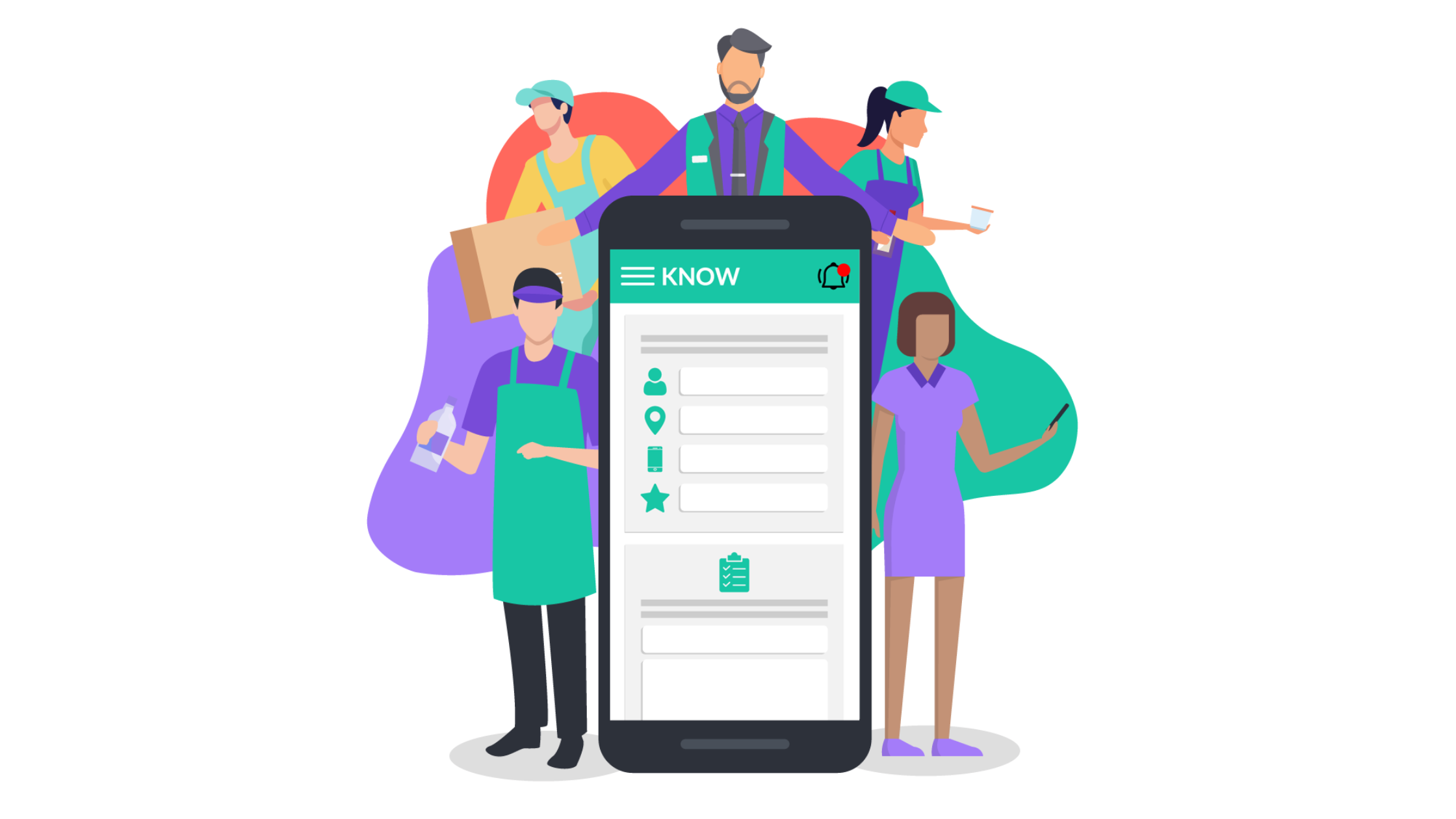
KNOW is the most user-friendly, affordable, and comprehensive restaurant management software, designed to digitize your restaurant operations. It's perfect for restaurants of all sizes, from small cafes to large multi-unit franchise groups.
Key Features of KNOW:
- ChecklistsManage kitchen handovers, complete opening/closing checklists, and log daily sales and wastage effortlessly.
- Food Safety and HygieneOrganize HACCP checks, hygiene audits, and monitor food and equipment temperatures.
- Audits and ComplianceDigitize pest control, fire safety, equipment checks, and facility inspections with ease.
- Onboarding and Employee TrainingCreate custom learning paths for new hires with bite-sized content, and give them access to your knowledge base anytime.
- Faults, Maintenance & Incident ResolutionQuickly report, track, and resolve equipment issues, repairs, and incidents.
- Scheduling & Attendance ManagementBest employee scheduling app that helps plan employee schedules and track attendance for both full-time and part-time staff, ensuring smooth operations.
Pros and Cons
Pros
- Ready to use with simple configuration options.
- Simple interface, works offline, and supports low-tech devices.
- Available in various languages for global teams.
- Accessible on mobile for scheduling, training, and issue tracking.
- In-app communication and notification for team accountability.
Cons
- Advanced features may require a learning curve.
Pricing
KNOW offers a free demo for you to explore its features before committing.
2. 7shifts: A Team Management Tool for Restaurants
7shifts is a restaurant-focused team management tool that simplifies scheduling, time tracking, hiring, onboarding, and employee management. Employees can use the 7shifts mobile app to clock in and out, view their schedules, and communicate with coworkers and managers. For restaurants dealing with tipping regulations, 7shifts offers customizable tip pooling and payroll integration, ensuring fair and accurate tip distribution.
Key Features
- Drag-and-Drop Scheduling: Easily create and save customizable scheduling templates using drag and drop interface.
- Mobile Time Clock: Prevents buddy punching and time theft.
- Hiring & Onboarding Tools: Includes document storage for new hires.
- Tip Management: Customize tip pools and process tips with payroll.
- Team Communication: Centralized messaging and task management tools.
Pros & Cons
Pros:
- Integrates with popular POS systems.
- Makes scheduling and team communication easy.
- Highly user-friendly.
Cons:
- The shift-trading feature can be tricky to use.
- Lacks rules for time-off requests.
- Higher price compared to competitors.
Pricing
7shifts offers four pricing tiers: Comp (free for up to 30 employees), Entrée ($29.99/month for up to 30 employees), The Works ($69.99/month for unlimited employees), and Gourmet ($135/month for unlimited employees). Each tier progressively adds more advanced features for scheduling, communication, compliance, and management, catering to different team sizes and needs.
3. HotSchedules: One of the Best Workforce and Task Management Tools
HotSchedules, powered by Fourth, offers a comprehensive suite of tools for managing inventory, team operations, and scheduling, designed specifically for the restaurant and hospitality industry. HotSchedules serves as Fourth’s dedicated employee scheduling solution, allowing managers to easily create and share schedules with staff via the mobile app. While it’s a simple scheduling tool that small businesses can use effectively, it lacks built-in time tracking. When combined with other Fourth products, it's ideal for larger restaurants and franchises.
Key Features
- Employee Scheduling: Create schedules with shift-swapping options.
- Integration with Fourth: Access to inventory management, labor costing, and applicant tracking.
- Time-Off Requests: Easy management of employee leave.
- In-App Messaging: Communicate with your team directly through the app.
- Analytics & Reporting: Generate insights on operations and employee performance.
Pros & Cons
Pros:
- Excellent for employee scheduling and labor forecasting.
- Easy-to-use interface.
- Convenient shift-swapping feature.
Cons:
- No built-in time tracking tools.
- Setup can be a bit challenging.
Pricing
Pricing for HotSchedules is not readily available. For details, you'll need to contact them directly.
4. Restaurant365: A Comprehensive Accounting and Operations Platform
Restaurant365 is a robust platform designed to help restaurant owners manage expenses, finances, inventory, and staff. The platform’s R365 Workforce solution covers hiring, onboarding, scheduling, and benefits administration, making it an excellent fit for established restaurants and franchises offering employee benefits like health insurance. Additionally, R365 Accounting offers powerful tools for menu analysis, cash flow management, inventory management, and profitability tracking, ensuring your restaurant remains efficient and cost-effective.
Key Features
- Employee Schedules: Includes shift-swapping tools for flexibility.
- Hiring & Onboarding: Grow your team with easy recruitment and training features for new employees.
- Payroll Management: Full-service payroll for streamlined operations.
- Accounting Software: Track expenses and control costs with in-depth financial reports.
- Detailed Reporting: Get insights into profitability, cash flow, and more.
Pros & Cons
Pros:
- User-friendly system.
- Excellent customer support.
- Great for training managers on financials and labor costs.
Cons:
- Not budget-friendly for small restaurants.
- Lacks built-in time tracking.
- Limited employee communication tools.
Pricing
Restaurant365 pricing starts at $435 per location per month, with billing done quarterly.
5. Sling: One of the Best Employee Scheduling Tools
Sling is a flexible app built exclusively for employee scheduling. But it also offers additional tools for cost management, task management, employee tracking, and integrations. Employees can track their work hours via Sling’s mobile app and receive reminders for clocking in and out. The app also facilitates seamless communication among team members and managers, with the ability to send announcements to the entire team.One of Sling’s standout benefits is its free plan, which allows managers to create schedules for unlimited employees and locations. This makes it a great option for new restaurant owners working with a tight budget who need basic scheduling capabilities.
Key Features
- Time Tracking: Mobile and kiosk-friendly time tracking that syncs with payroll.
- Employee Scheduling: Shift-swapping and schedule template creation to save time.
- Task Management: Assign tasks for every shift and track completion.
- Communication Tools: In-app messaging for team coordination.
- Labor Costing: Helps managers make informed scheduling decisions.
Pros & Cons
Pros:
- Free version offers great value and ease of use.
- Easy onboarding with a short learning curve.
- Managers can quickly see who’s working at a glance.
Cons:
- Occasional bugs and glitches.
- Some features are a bit tricky to find on the dashboard.
- Chat notifications can become overwhelming.
Pricing
Sling offers a Free Plan with basic scheduling and communication features. The Premium Plan ($1.70/user/month) and Business Plan ($3.40/user/month) add advanced tools like labor cost management, time tracking, and detailed payroll reports.
Digitalize Your Restaurant Operations with KNOW

Jolt is a great option for food safety and inventory management, but if you're seeking a more comprehensive solution that seamlessly integrates all your operations and team management tasks, KNOW could be the right choice.KNOW offers an all-in-one platform with features like scheduling, onboarding, employee training, digital forms and checklists, and expert tools for audit and compliance, designed to simplify your operations. Its intuitive interface ensures minimal training is needed, allowing you to save time and enhance team productivity.Ready to take your operations to the next level? Book a free demo today!
Enjoying this article?
Ready to streamline your operations?

Related Articles

Bar Staff Training: A Complete Guide to Building a Skilled, Confident Team



.png)
How to Create Interactive Training Modules: A Practical Guide for Restaurants
.png)

Preventing Employee Burnout in Restaurants: Causes, Signs & Solutions