Comprehensive Guide to Employee Training Materials in an LMS

Whether you’re a manager responsible for onboarding new hires or transitioning existing employees to a new role, leveraging an LMS to provide employee training materials is essential for the success of your organization. With the variety of formats available on an LMS, from videos to text-based content and quizzes, understanding how to best utilize different types of employee training materials is key to maximizing their effectiveness. This guide will provide managers with a comprehensive overview of how best to use training materials in an LMS so that employees can quickly get up-to-speed on their roles. Read on for more!
What is an LMS and why it's important?
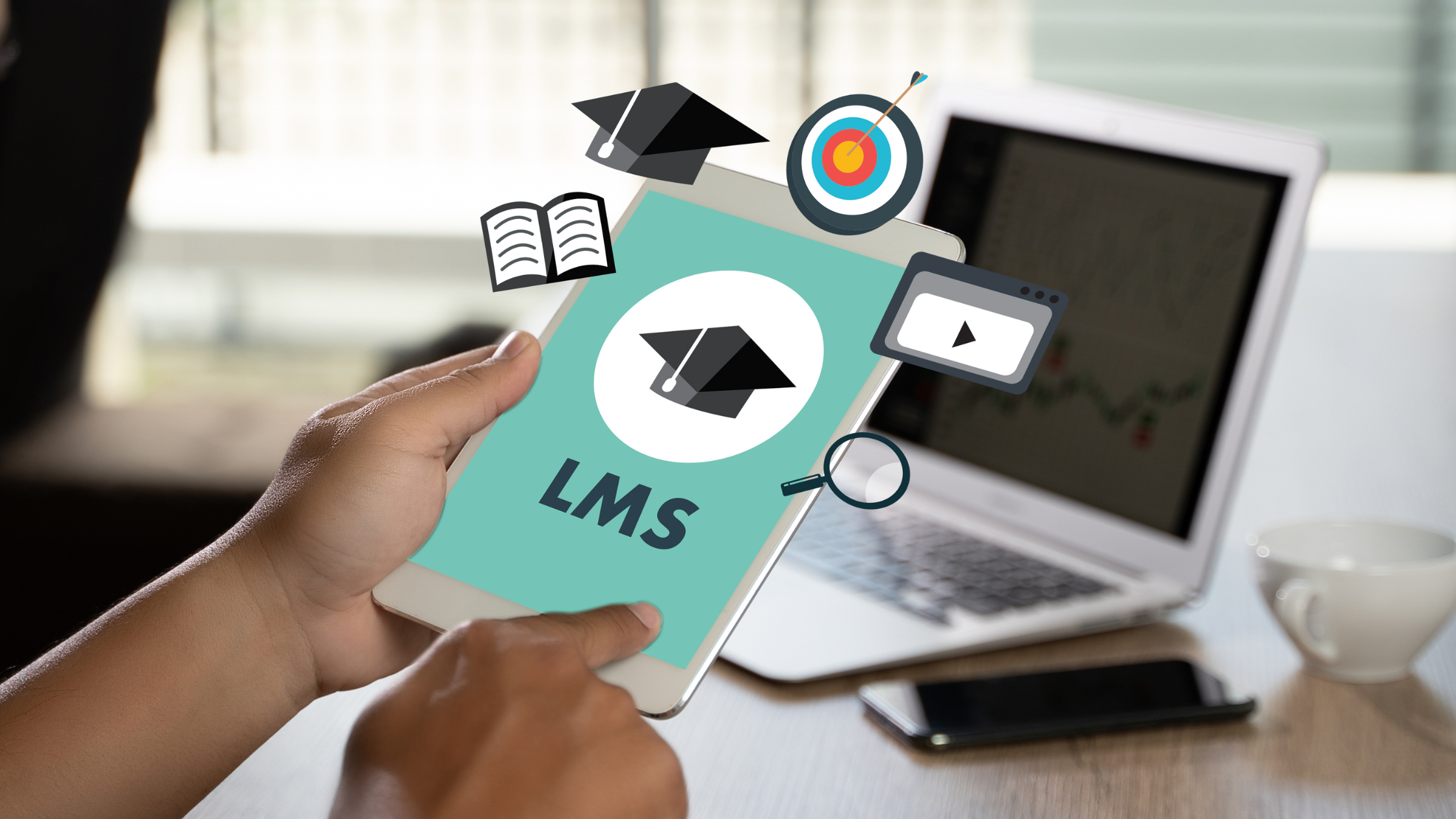
A Learning Management System (LMS) is an online software platform used to manage and deliver learning resources, including employee training materials.An LMS allows organizations to create and store digital educational content, such as videos and interactive lessons, which can be accessed by employees at any time. This makes it easier for managers to provide consistent, up-to-date training materials that meet the needs of their staff members. Additionally, an LMS can track the progress of employees through their courses, allowing managers to see how well they are absorbing the content. This data can then be used to make informed decisions regarding future training plans.
Types of Employee Training Materials in an LMS
When it comes to leveraging employee training material in an LMS, there are a variety of formats that you can use. From video tutorials and multimedia content to quizzes and surveys — the possibilities are endless. Here’s a look at some of the most popular types of learning materials you can use on your organization’s LMS:
Video Tutorials
Video tutorials allow employees to quickly understand concepts by using visual elements such as on-screen demonstrations and graphics. When combining video tutorials with text-based instruction, you can ensure that all employees have access to detailed information on specific topics in a straightforward format.Using video tutorials as part of your employee training materials provides several distinct advantages over traditional methods alone. For example, they allow employees to gain a better understanding of topics by incorporating visual elements into the learning process; this helps them retain information more effectively than if they were just reading text-based instructions alone.Additionally, videos provide learners with concrete examples that they can easily reference back when needed—greatly reducing potential confusion or miscommunication around complex topics or tasks. Lastly, videos are typically much shorter than text-based guides or documents; this makes them ideal for busy schedules while still ensuring essential information is provided promptly
Multimedia Content
Using multimedia content such as images, audio files, and interactive experiences within the LMS platform can help engage learners more effectively than with traditional methods alone. This type of content also allows for greater customization so that individual users can tailor their experience based on their own preferences or needs.Incorporating multimedia content into your employee training materials helps further engage learners with interactive experiences within the LMS platform itself — greatly improving retention levels overall!When creating multimedia learning resources within your organization’s system you should aim for high-quality visuals from clean diagrams and infographics that accurately portray relevant information without overwhelming viewers with too many details at once. This ensures employees remain focused while still receiving all essential facts necessary for completing tasks later on down the line.Additionally using audio recordings paired with visuals is another great way for managers to help enhance comprehension levels when delivering certain topics requiring verbal explanations not easily conveyed through text alone; such as pronunciation guides involving foreign languages or complex technical concepts requiring detailed descriptions.
Interactive Content
Quizzes and Assessments are a common type of interactive training content that may be included in an LMS. They can be used to evaluate the learner's knowledge and understanding of the material and can provide feedback and guidance to help learners improve their performance.Interactive content should be carefully designed and constructed to be effective and engaging. This may involve determining the appropriate number and type of questions, selecting appropriate answer choices, and providing clear and concise instructions to learners.There are several different types of quizzes and tests that can be used in an LMS. These include multiple-choice quizzes, true/false quizzes, open-ended quizzes, and other formats. Each type of quiz or test has its own strengths and limitations and should be chosen based on the specific learning objectives and the needs of the learners.
Digital Learning Pathways
Leveraging digital pathways is an effective way for managers to provide personalized learning experiences within the LMS platform. By creating “pathways” or paths for users to follow when accessing learning material in the system, managers can ensure that each user receives relevant information based on their current skill level or role within the organization.Providing personalization options within your organization’s Learning Management System (LMS) is key to ensuring maximum efficiency when onboarding new hires or transitioning existing employees into new roles—especially if done correctly!Through digital pathways, you are able to customize user experiences by providing employees with tailored courses depending on their current skill level or role within your company. This helps eliminate unnecessary distractions while still giving everyone access only relevant material needed. Additionally, these pathways also allow organizations more flexibility when adapting existing curriculum sets due to changes in regulations or industry standards over time; since your staff will always receive up–to–date instruction no matter what revisions may occur further down the road.How best to utilize employee training materials in an LMSEmployee training material doesn't have to be boring. Utilizing various formats available through an online Learning Management System (LMS) provides lots of great opportunities to engage learners more effectively than ever before!So don't settle solely relying on traditional methods like simply handing out text–based documents instead consider taking advantage of modern technologies further enhance user experience across the board!Utilizing tools like video tutorials helps break down complex concepts visually while offering concrete examples back reference during future tasks; likewise utilizing multimedia content adds a range of interactivity options keeping learners motivated and engaged throughout the entire course duration! Finally, having personalized digital pathways gives organizations even greater flexibility in adapting curriculum sets regularly enabling them to keep up ever–changing industry standards and regulations without sacrificing the accuracy and effectiveness of the process!
How to Create Engaging Employee Training Materials with Visuals?
To create engaging training materials with visuals for employees, it's important to consider the audience, the learning objectives, and the types of visuals that will be most effective in conveying the information. Some tips for creating engaging training materials with visuals for employees include:
- Start with a clear learning objective: Before creating the training materials, identify the specific knowledge or skills that the employees need to learn, and use this to guide the development of the materials.
- Use a mix of visual formats: Visuals can be delivered in a variety of formats, including videos, images, infographics, and diagrams. Use a mix of these formats to engage different learning styles and keep the training materials interesting.
- Use real-life examples and scenarios: Use real-life examples and scenarios from the organization to illustrate the concepts and skills being taught. This can help make the training more relevant and applicable to the employees' work.
- Include hands-on activities and practice: In addition to visual materials, include hands-on activities and practice exercises that allow employees to apply what they have learned and develop their skills.
- Provide feedback and support: Provide feedback and support to employees as they work through the training materials, and offer opportunities for them to ask questions and discuss the material with their peers and instructors.
Enjoying this article?
Ready to streamline your operations?

Related Articles


Bar Staff Training: A Complete Guide to Building a Skilled, Confident Team



.png)
How to Create Interactive Training Modules: A Practical Guide for Restaurants
.png)

Preventing Employee Burnout in Restaurants: Causes, Signs & Solutions